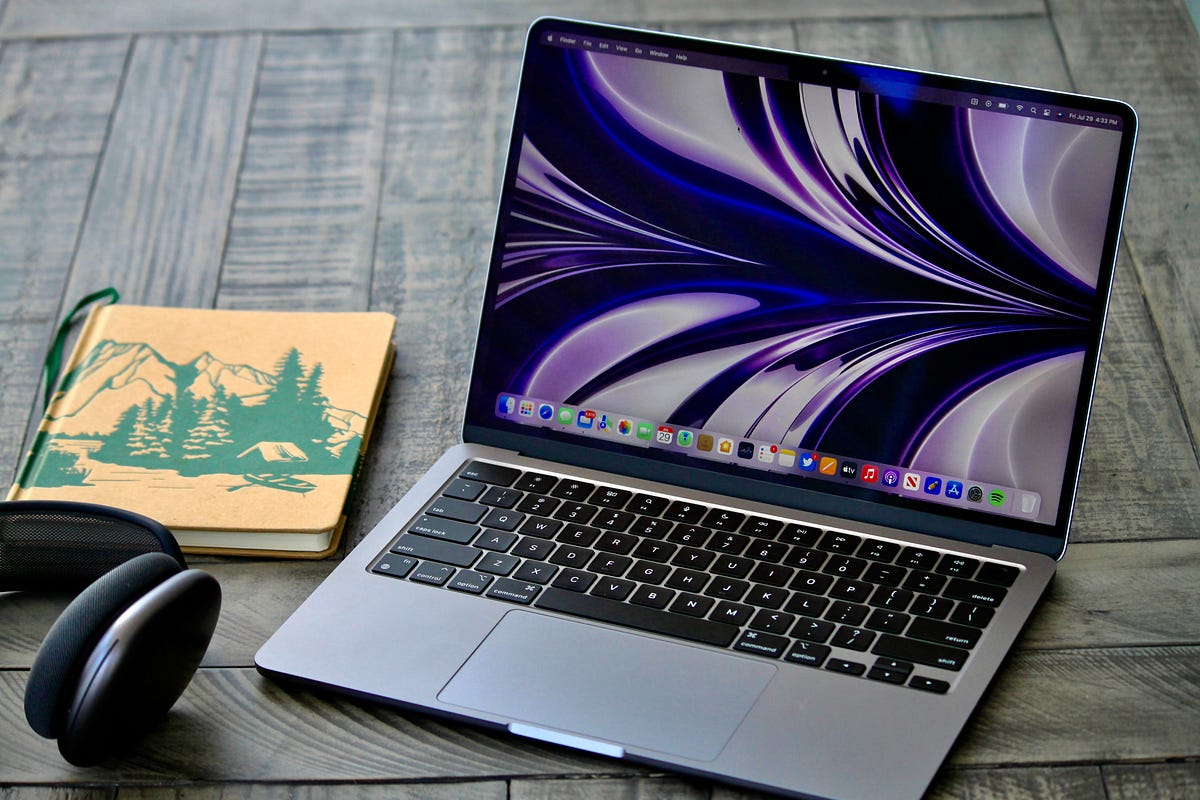
The MacBook Air M2 was an outstanding laptop during our time with it. The pre-installed macOS Monterey looks great on the new screen, boots up quickly, and runs smoothly throughout.
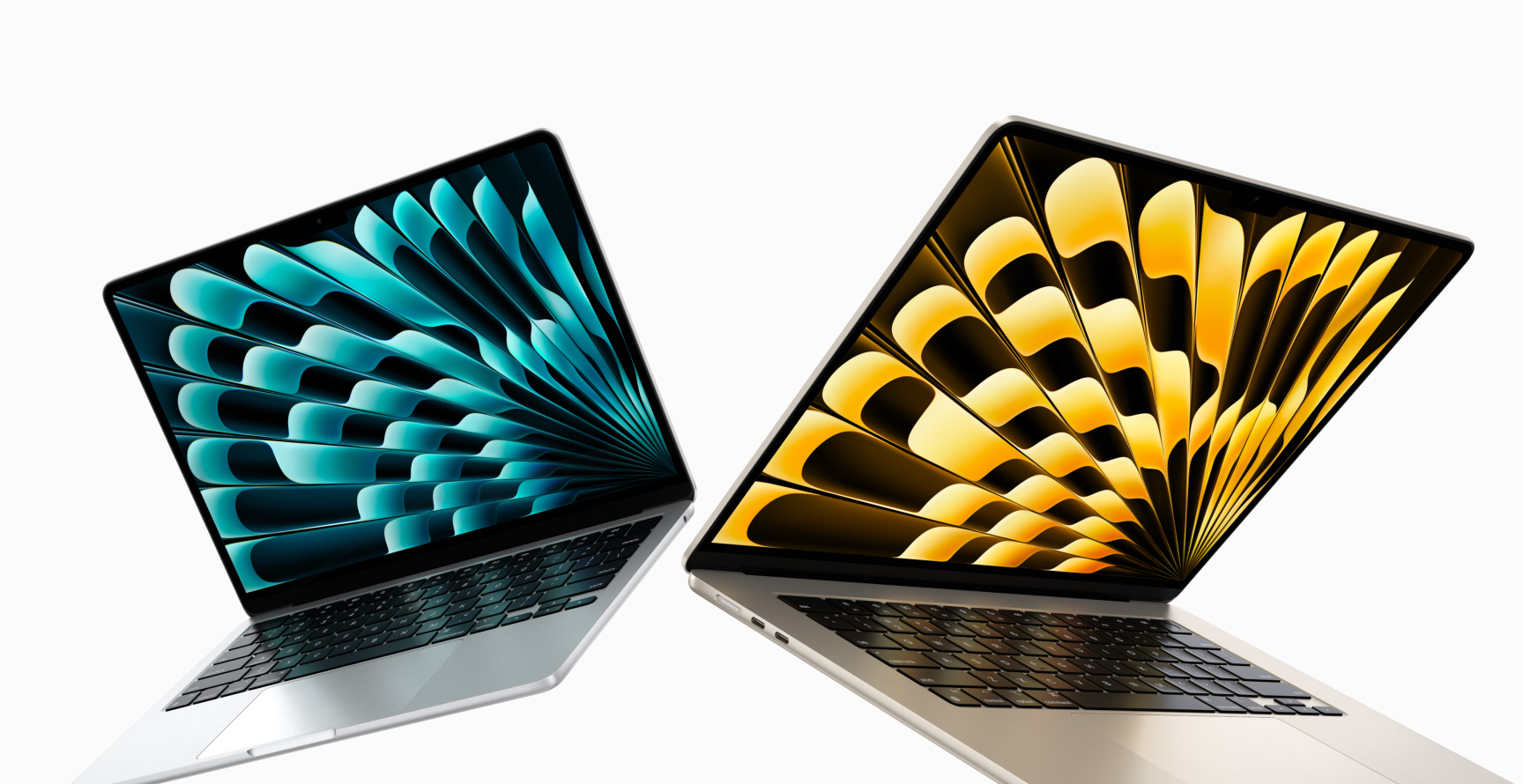
The M2 System on Chip (SoC) is the second-generation, 5-nanometer chip that powers the MacBook Air (M2, 2022). According to Apple, this chip delivers a 40% faster neural engine, a 35% faster GPU (now with 10 cores), and an 18% faster CPU than its predecessor. It’s worth noting that the MacBook Air’s base model comes with an 8-core GPU, with an option to upgrade to a 10-core GPU.
In the meantime, an M2 chip and a 10-core GPU are standard features of the MacBook Pro 13-inch base model.
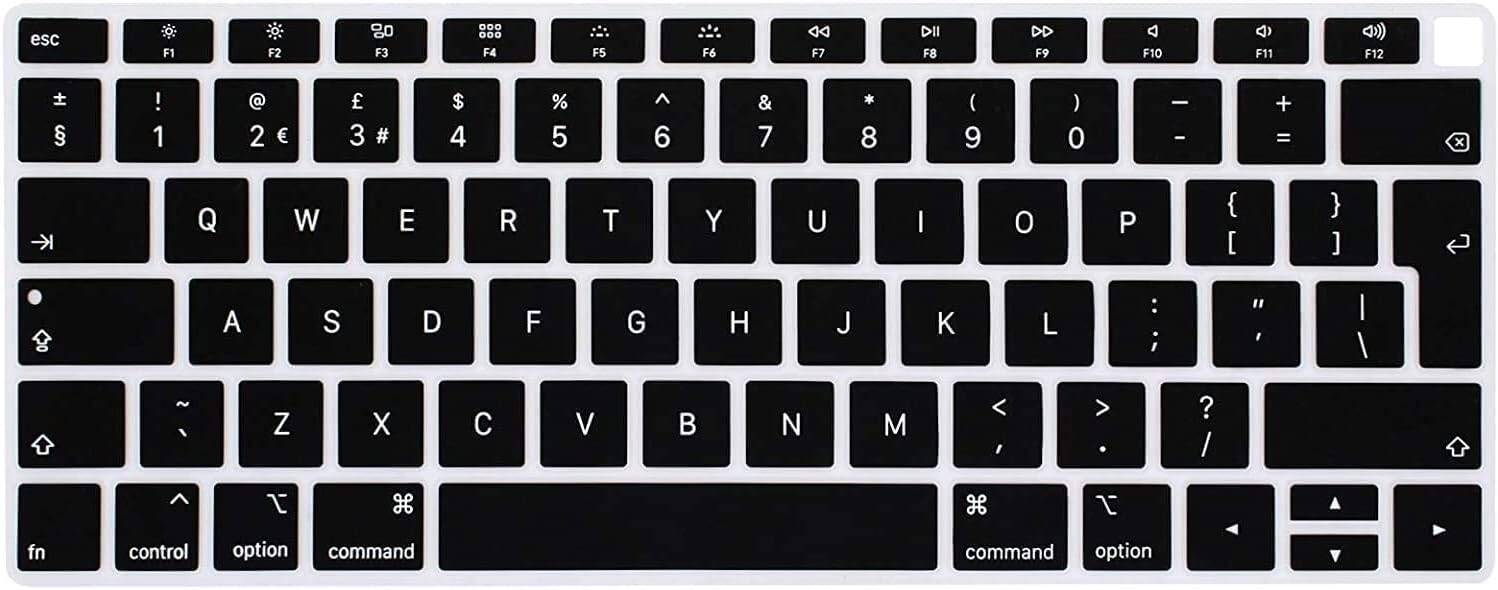
The 16GB of shared memory in the model we tested helps deliver speedy and responsive web browsing in Safari and Chrome, even with multiple tabs open. Typing on the slightly narrower keyboard — which retains the same Magic Keyboard switches — feels comfortable and satisfying.
Since the introduction of the M1 chip, a growing number of developers have produced M1-compatible applications that are also compatible with the M2, so your preferred apps should function flawlessly and make the most of the M2’s capabilities. Not only do Apple apps have M1 and M2-native versions, but so do programs from companies like Adobe and Microsoft.
For apps that don’t yet have native versions, Apple’s Rosetta 2 utility comes in handy once more. It lets you run apps created for Intel-based Macs with minimal performance impact, almost as if they were built natively for M2 systems.
We also experimented with GarageBand — Apple’s pre-installed music production app — and used iMovie to edit 4K home movies. The enhanced performance of the M2 chip kept everything running flawlessly. We would even go so far as to say that we noticed no discernible performance differences compared to the M2 MacBook Pro.
One distinction Apple frequently highlights is that the MacBook Pro 13-inch uses fans to cool its internal components, whereas the MacBook Air is fanless. This suggests the MacBook Pro 13-inch may sustain better performance over longer periods at full capacity without overheating.
The MacBook Air M2 is a significant advancement in Apple’s lineup of lightweight laptops, highlighting performance, efficiency, and a sleek design. Here is a thorough look at its main features and specifications:
| Display | 13.6-inch 2,560×1,664 LED-backlit display |
|---|---|
| CPU | Apple M2 8-core CPU / 10-core GPU |
| RAM | 8GB |
| Graphics | 10-core Apple GPU |
| Storage | 512GB SSD |
| Networking | Wi-Fi 6 (802.11ax), Bluetooth 5.0 |
| Operating System | macOS Monterey 12.4 |
Ports and Connectivity
Ports: Equipped with two Thunderbolt / USB 4 ports supporting data transfer, charging, and DisplayPort functionality.
Wireless: Supports Wi-Fi 6 for fast internet connections and Bluetooth 5.0 for wireless accessories.
Overall Verdict — MacBook Air M2: The 2022 MacBook Air remains our top pick for the most well-rounded laptop in Apple’s lineup, thanks to its refreshed design, larger 13.6-inch display, faster M2 chip, and long-overdue webcam upgrade. The $200 price increase — from $999 to $1,199 — is a drawback, which is why the M1 Air still holds a spot on our best laptops list. That said, if you’re considering an Air and don’t mind spending a little more, this is our top recommendation.
Design and Environmental Considerations
The new MacBook Air features one of the most dramatic design changes Apple has ever made to an iconic product. While some may miss the Air’s trademark wedge shape, it looks far more modern and sleek than earlier iterations.
As its name suggests, the MacBook Air is the thinnest and lightest notebook Apple produces. With the 2022 model, Apple has further refined this by reducing the overall size and weight of the unibody design while increasing the screen size.
The enclosure is constructed entirely from recycled aluminum, reflecting Apple’s commitment to environmental sustainability. It is available in four color options — Silver, Space Gray, Midnight, and Starlight — for personalized customization.
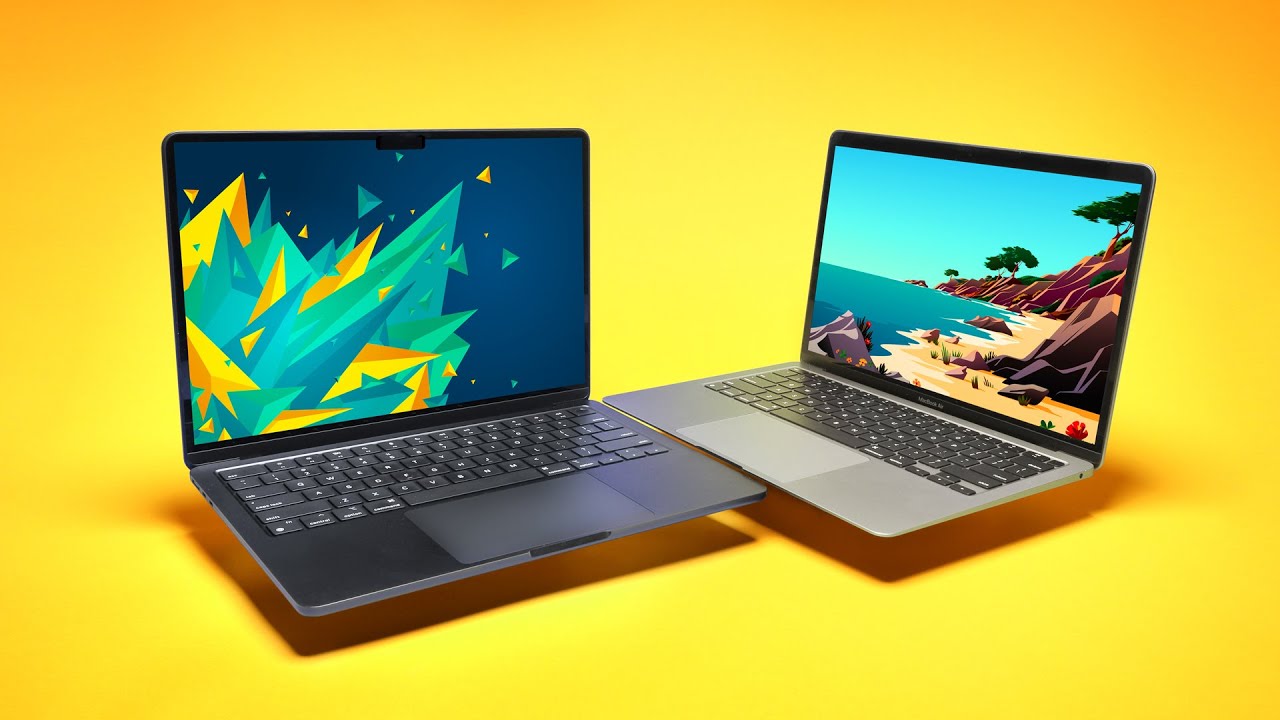
Apple’s engineers achieved the slimmer look in part by reducing the bezels around the screen by up to 30% on the top and bottom, and 20% on the sides. The thinner bezels give the MacBook Air a much more modern appearance compared to earlier models, which were starting to look dated next to premium Windows competitors like the Dell XPS 13.
MacBook Air M2 — Review Score
| Attribute | Notes | Rating |
|---|---|---|
| Price | More expensive than previous models — by a noticeable margin | 3.5/5 |
| Design | Refreshed design looks great, with a bigger screen and lighter weight | 5/5 |
| Performance | The M2 chip delivers excellent performance across all tasks | 4.5/5 |
| Battery | At 16 hours, the battery life is exceptional and outlasts much of the competition | 5/5 |
MacBook Air M2 Battery Review
We were highly impressed by the battery life of the MacBook Air M2. Apple’s promise of improved performance and longer battery life seemed credible given the efficiency of the M1 chip — and our testing confirmed it.
In our battery benchmark, which involves continuously looping a 1080p video until the battery is drained, the MacBook Air lasted an impressive 16 hours — significantly longer than similarly priced Windows laptops.
Surprisingly, the MacBook Air even outlasted the 13-inch MacBook Pro by an additional 30 minutes, despite the Pro having a larger battery. The Pro’s Touch Bar and less energy-efficient screen likely contributed to its faster drain.
Read More: Apple Vision Pro Complete Review: A Personal Cinema
Compared to its predecessor, the M1 MacBook Air, the M2 version showed a substantial improvement — lasting 16 hours instead of 11 in the same test.
This means you can comfortably use the MacBook Air M2 throughout an entire workday or on long flights without worrying about running out of battery. We found ourselves rarely searching for a power outlet, which speaks volumes about the laptop’s real-world battery performance.
When charging was needed, the more powerful adapter worked efficiently, quickly replenishing the battery. The MagSafe port is a great addition — its magnetic connection makes it easy to plug in, and there’s no risk of damaging the port if the cable is accidentally pulled out.
Additionally, in a pinch, the MacBook Air M2 can also be charged via its USB-C port, offering added convenience on the go.